Adobe MAX 2026 Sneaks Unveils Project Link Up to Transform Vector Illustration Workflows

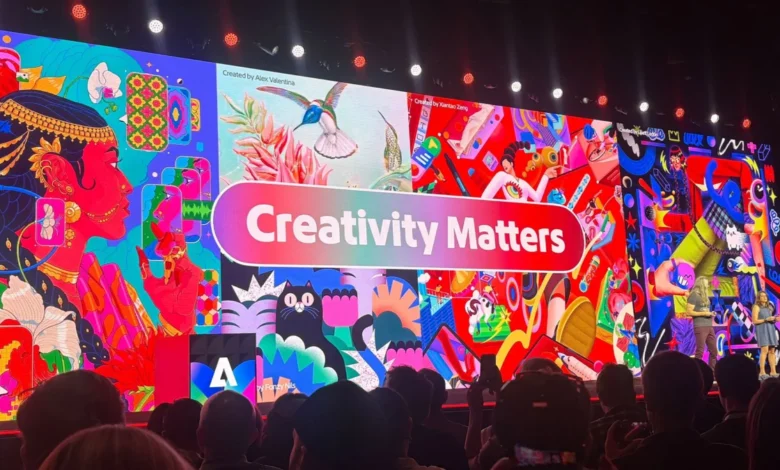
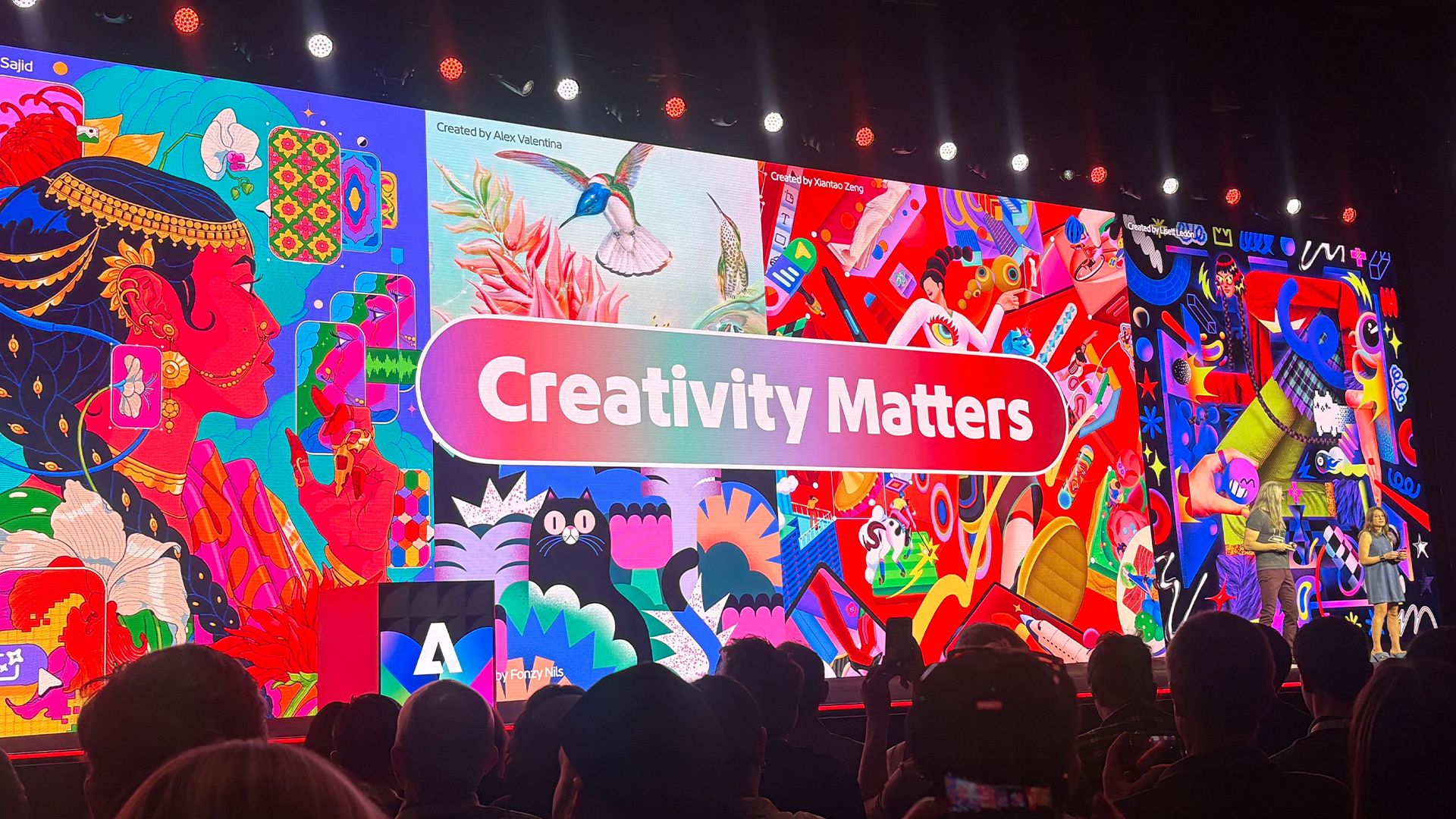
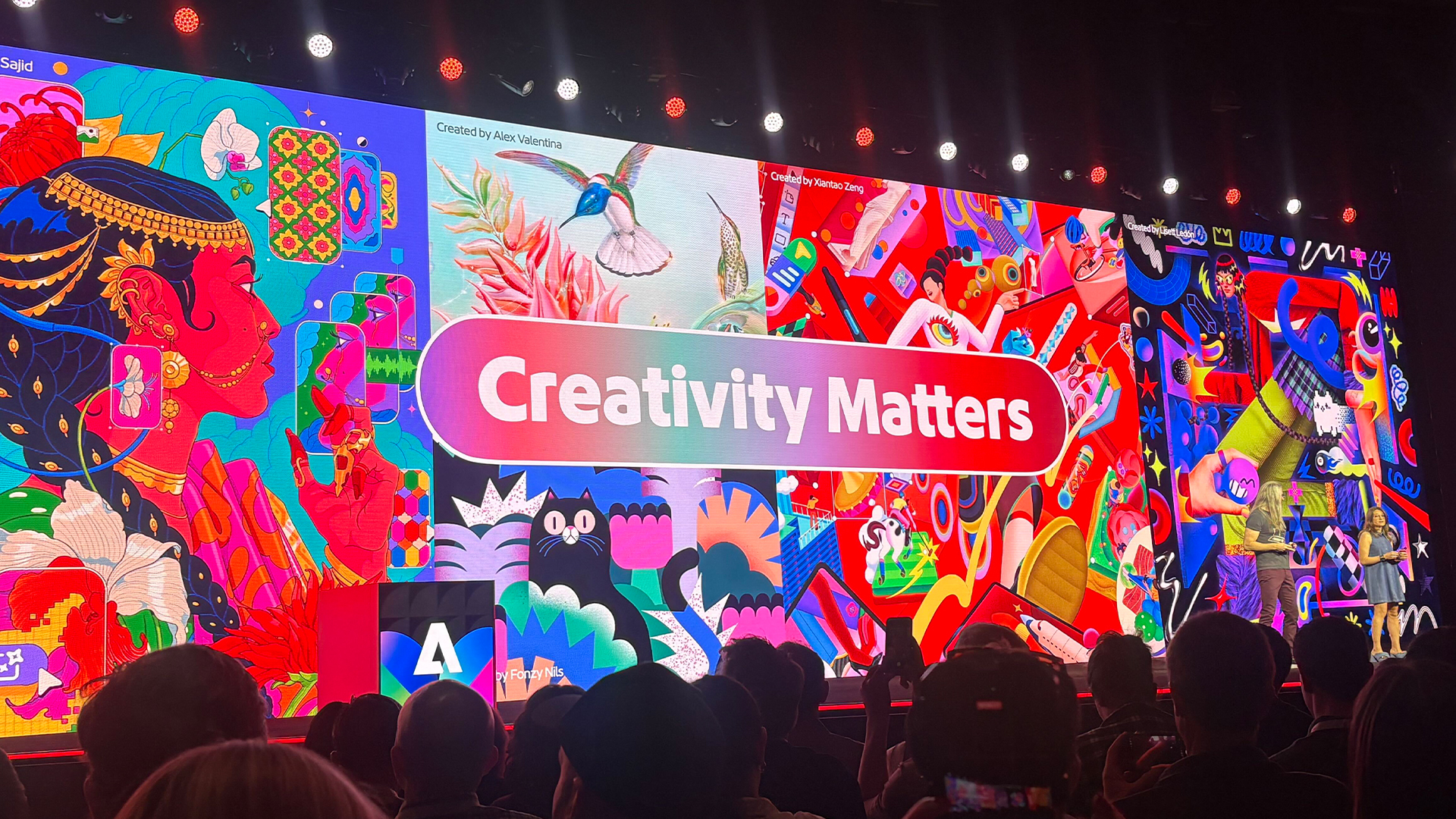
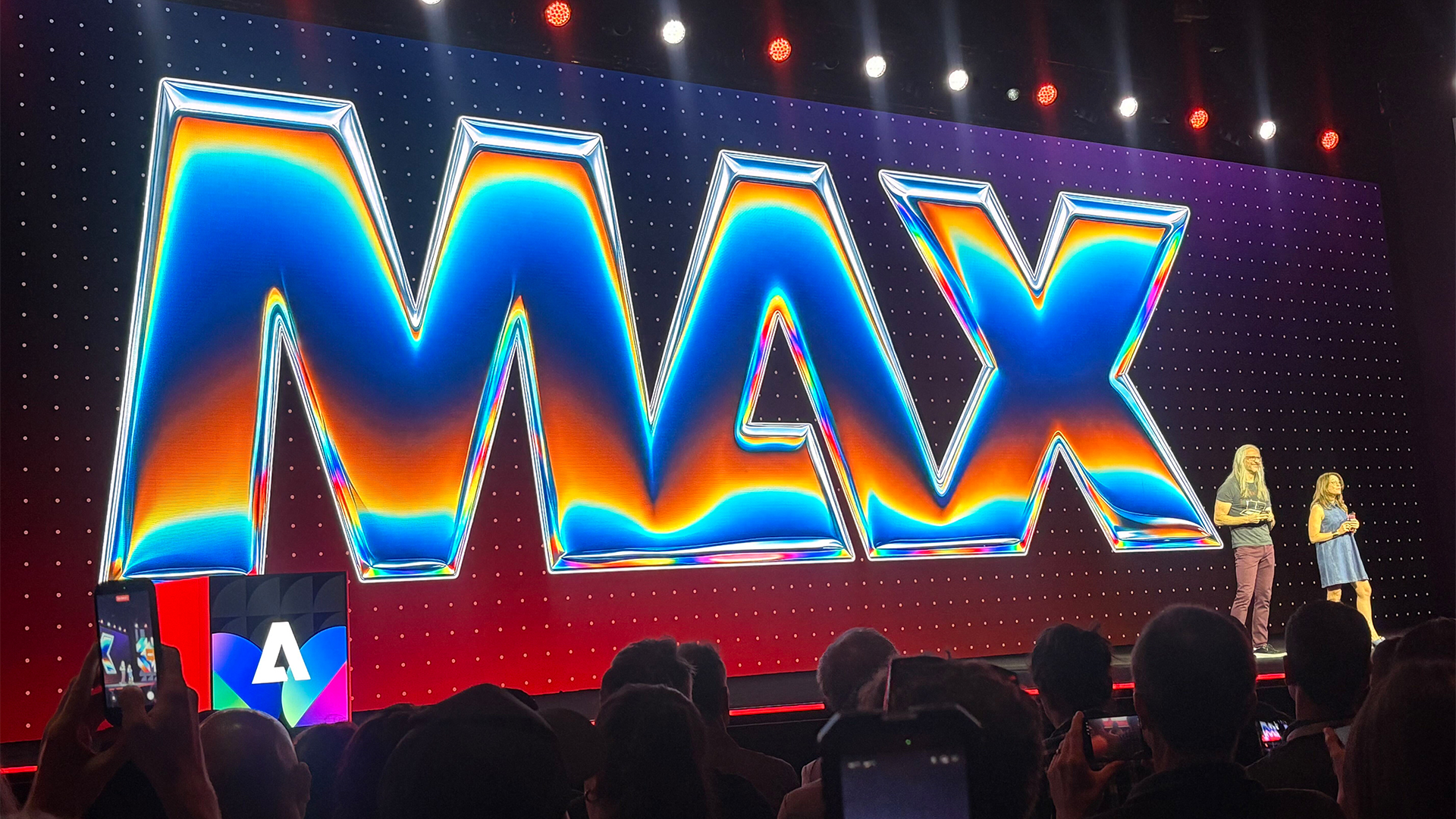
Adobe MAX, the company’s premier annual creativity conference, serves as the global stage for the unveiling of "Sneaks"—a series of experimental projects that provide a rare glimpse into the future of design technology. Among the highlights of the 2026 edition is Project Link Up, a sophisticated, context-aware tool designed to fundamentally alter how illustrators and designers manipulate vector assets. By leveraging machine learning to understand spatial relationships, the tool promises to eliminate the tedious manual labor of redrawing objects to fit specific perspectives, marking a significant step forward in the evolution of Adobe’s creative suite.
The Evolution of Adobe Sneaks: A Historical Context
Since its inception, the Sneaks event has functioned as both an incubator and a litmus test for Adobe’s Research division. Historically, many of the technologies showcased during this segment—such as early iterations of Content-Aware Fill or Sky Replacement—have migrated from experimental concepts to core features within Photoshop, Illustrator, and Premiere Pro.
Adobe MAX 2026 continues this tradition, focusing heavily on AI-driven workflows that prioritize user intent over rigid pixel manipulation. The event, which brings together thousands of professionals, educators, and technology enthusiasts, remains the most important date on the creative software calendar. Project Link Up stands out this year not merely as a novelty, but as a direct response to a perennial pain point in the vector design industry: the struggle of maintaining structural integrity when compositing elements.
The Mechanics of Project Link Up
At its core, Project Link Up challenges the standard interpretation of the "drag" gesture. Currently, when a user moves a vector object from one part of a canvas to another, the software treats the action as a simple spatial displacement. The object remains static, forcing the designer to manually transform, warp, and re-draw the asset to align with the perspective and scale of the new environment.
Project Link Up introduces "context-aware fusion." When an object is moved, the underlying model analyzes the scene’s vanishing points, lighting cues, and geometric planes. It then automatically reorients the vector asset to match the new perspective seamlessly. This is achieved through a hybrid approach that combines real-time geometric calculation with generative guidance.
Hailin Jin, senior principal scientist and research lead for imaging and design at Adobe, notes that the inspiration for the project stemmed from observing the friction in everyday design workflows. "Design tools usually interpret a drag as an instruction about placement, but there is much more intent in what a designer moves, where they move it, and how they move it," Jin explained. By decoding this intent, Adobe aims to bridge the gap between the speed of a simple user gesture and the complexity of professional-grade rendering.
Parametric Control and Creative Agency
A recurring critique of AI-assisted design tools is the fear of "black box" outcomes, where the software makes decisions that the user cannot override. Adobe has addressed this with Project Link Up by incorporating a "creativity slider." This interface element allows the designer to define the intensity of the transformation.
If a user prefers to maintain the original integrity of an object while only adjusting its orientation, they can set the slider to a lower threshold. Conversely, for projects requiring a more dramatic shift in style or perspective, the slider can be adjusted to allow the model to infer greater modifications. Crucially, the resulting output remains editable vector data. This ensures that the professional designer retains final authority, capable of manually refining paths and nodes after the AI has performed the heavy lifting.
This commitment to non-destructive, editable workflows is vital. Adobe’s research suggests that while speed is a major driver of software adoption, professional designers prioritize the ability to "tweak" results. If a tool produces a beautiful result that is locked into a flattened format, its utility in a commercial pipeline is severely limited. By ensuring that Link Up results are vector-native, Adobe positions the tool as a practical utility rather than a generative "toy."
Managing Stylistic Divergence
One of the most complex challenges for any AI-driven design tool is the conflict between disparate visual styles. If an illustrator imports a flat, minimalist vector character into a highly detailed, textured, and shaded scene, the software must decide whether to force a stylistic match or respect the character’s original aesthetic.
Project Link Up handles this via prompt-based guidance. Designers can provide specific instructions, such as "match the scene’s illustration style" or "preserve the character’s original style while adapting perspective." This functionality elevates the tool from a mere automation script to an intelligent design partner that understands the nuance of aesthetic intent. This capability is expected to be a major boon for concept artists who often need to rapidly prototype compositions with assets created at different times or by different artists.
Implications for the Creative Industry
The introduction of Project Link Up points to a broader, long-term shift within the Adobe ecosystem. The company is clearly moving toward a future where software tools "understand" the semantic content of the files they hold.
For the professional creative, the most immediate benefit is the elimination of "tedious chores." Redrawing an asset from a new perspective is a time-consuming task that often consumes 20% to 30% of a production cycle in complex illustrations. By automating this, designers can allocate more time to high-level creative decision-making—such as composition, color theory, and visual storytelling—rather than mechanical drafting.
Looking five years ahead, industry analysts suggest that this trend of "semantic awareness" will redefine the relationship between humans and software. If tools can reliably interpret user intent—such as understanding that moving an object implies a desire to adjust its perspective rather than just its position—the barrier to entry for complex design becomes significantly lower, while the ceiling for expert productivity becomes higher.
Looking Toward the Future
While Project Link Up is currently in the experimental stage, its debut at Adobe MAX 2026 suggests that a rollout to public betas is a distinct possibility in the coming fiscal years. Adobe has a long history of integrating successful Sneaks into the Creative Cloud subscription model, often providing incremental updates that slowly build these capabilities into the standard toolbar.
The success of such tools will depend on two factors: the accuracy of the underlying models and the receptiveness of the creative community. As AI continues to permeate every facet of digital design, the professional consensus is increasingly shifting toward a "co-pilot" model, where the machine handles the repetitive, low-level geometry, and the human provides the aesthetic direction.
As the 2026 conference concludes, it is clear that Adobe is doubling down on its strategy to make "intelligence" a native feature of its applications. For the millions of users currently relying on Illustrator and its counterparts, the prospect of an automated, perspective-aware workflow is not just an incremental improvement—it is a fundamental change in the economics of design. By reducing the friction between the initial idea and the final execution, Project Link Up exemplifies the brand’s goal to keep its software relevant in an increasingly automated world.
For now, the creative industry waits to see when these tools will move from the stage of the Sneaks demo to the desktop of the working professional. If history is any indicator, the wait may be shorter than expected, as Adobe continues to integrate its most successful research experiments into the mainstream software cycle.
Related posts: