Cricut Explore 5 review: a faster, smarter crafting machine that’s perfect for beginners

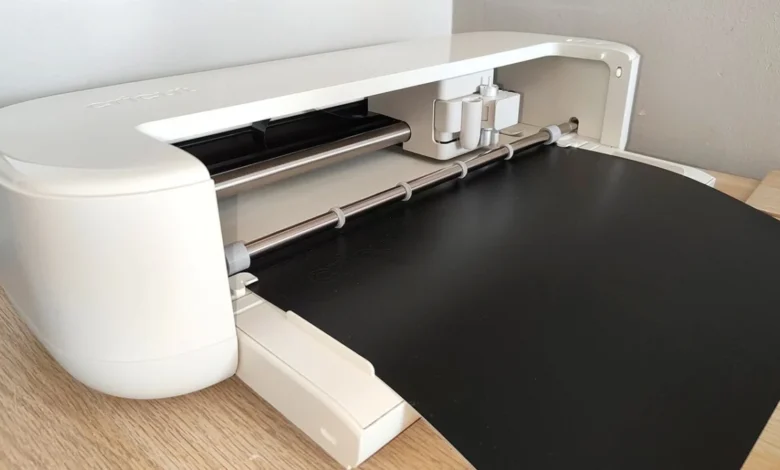
The digital die-cutting market has seen a significant shift toward user-centric refinement with the release of the Cricut Explore 5, a machine that prioritizes compact design and operational efficiency over radical hardware overhauls. Positioned as the middle-tier offering in Cricut’s current lineup, the Explore 5 aims to bridge the gap between entry-level hobbyist tools and professional-grade manufacturing equipment. While it does not represent a complete departure from the architecture of its predecessors, the machine introduces several key upgrades in speed, noise reduction, and physical footprint that address long-standing feedback from the global crafting community.
Technical Specifications and Engineering Refinements
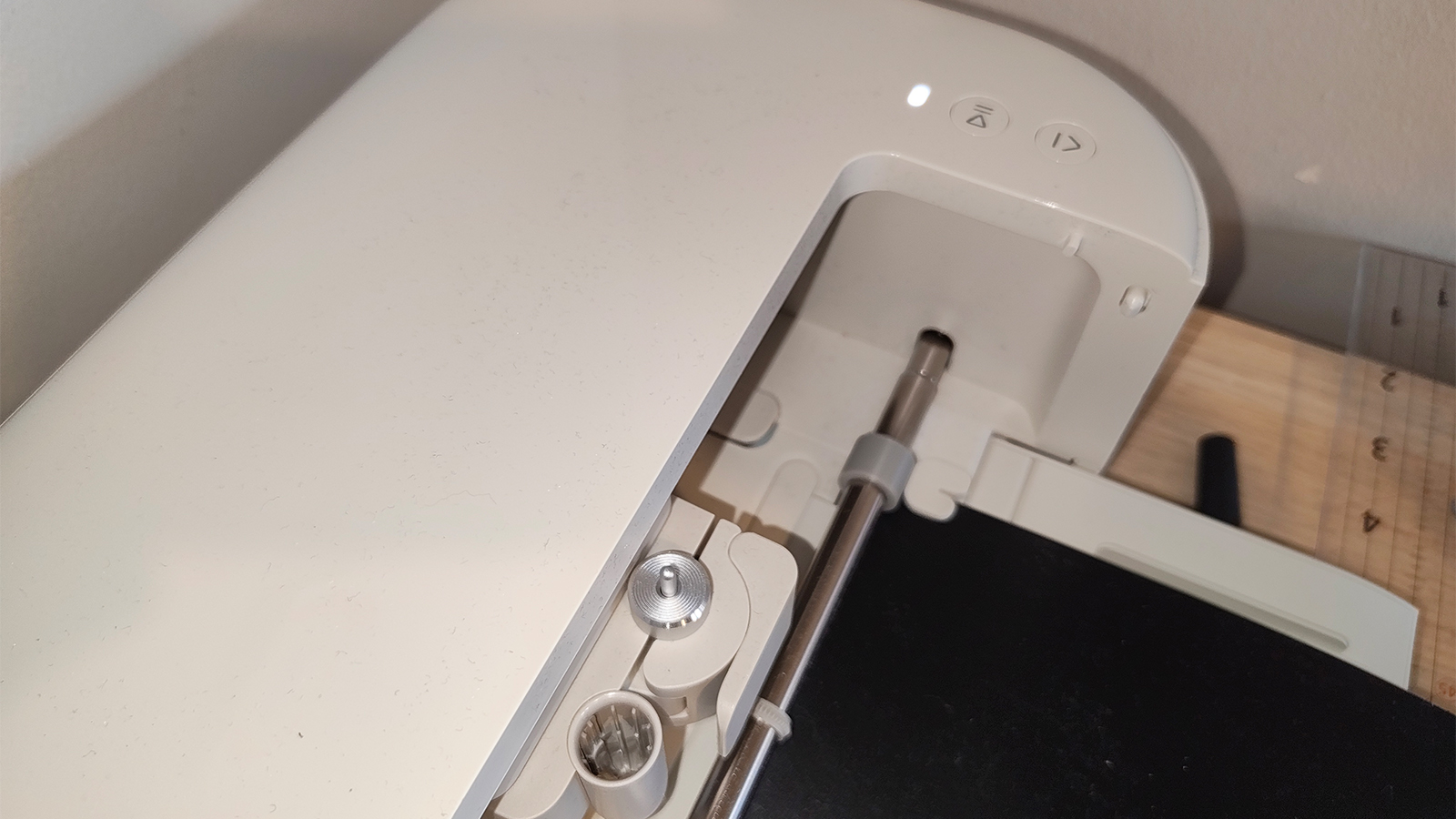
The most immediate physical change in the Cricut Explore 5 is its reduced size. Measuring approximately 19.8 by 4.7 inches, the unit is considerably more compact than the Explore 4 and Explore 3 models. This engineering choice reflects a broader trend in home-office and craft-room design, where desk real estate is at a premium. Despite the smaller shell, the machine maintains a standard 12-inch cutting width, ensuring that users do not lose project scale in exchange for portability.
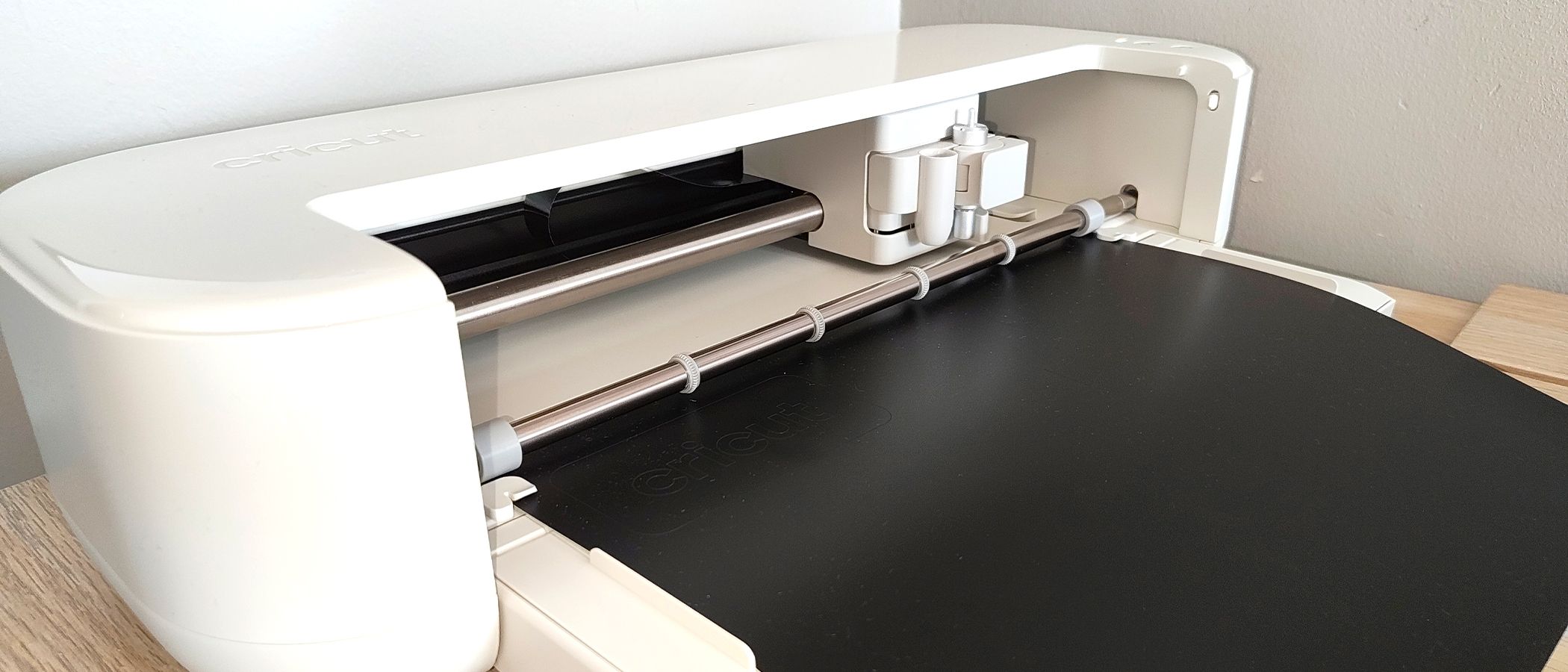
The internal mechanics have also undergone a quiet revolution. The Explore 5 features an optimized motor system that significantly reduces the decibel levels produced during the cutting and drawing phases. In professional settings or shared living spaces, the "chugging" noise associated with older digital die-cutters has been a point of contention. The new model’s whisper-quiet operation is paired with a smoother carriage movement, which virtually eliminates the lateral "sway" that occasionally plagued older models when executing intricate designs at high speeds.
Speed remains a primary selling point for the "Explore" branch of the Cricut family. The Explore 5 is engineered to work up to two times faster than the original Explore Air 2 when using Smart Materials—Cricut’s proprietary line of vinyl and iron-ons that do not require a cutting mat. This speed increase is not merely a marketing metric; it translates to a tangible reduction in production time for small business owners and high-volume hobbyists.
A Comprehensive Starter Ecosystem
Cricut has strategically packaged the Explore 5 as an all-in-one solution for those entering the ecosystem for the first time. The bundle provided with the machine is among the most robust the company has released to date, designed to move a user from unboxing to a finished project in under thirty minutes.
The standard bundle includes:
- The Cricut Explore 5 machine
- A LightGrip cutting mat (12” x 12”)
- A portable paper trimmer
- A double card mat for batch-producing greeting cards
- Fine-point pens and a scoring stylus
- Essential hand tools: spatula, weeder, and scraper
- A variety of materials: Smart Permanent Vinyl, Smart Iron-On, Printable Vinyl, and cardstock
- Transfer tape and instructional setup materials
The inclusion of the scoring stylus is a notable addition that was frequently absent from previous base-model bundles. This tool allows the machine to create precise crease lines for folded projects, such as gift boxes, 3D paper sculptures, and complex greeting cards. By including this in the box, Cricut is encouraging users to move beyond simple flat decals and into the realm of "paper engineering."
Evolution of the Explore Series: A Chronological Context
To understand the position of the Explore 5, one must look at the chronology of Cricut’s hardware development. The original Explore series launched with the intent of making digital cutting accessible via a dial-based system for material selection.
- Cricut Explore Air & Air 2: Introduced Bluetooth connectivity and "Fast Mode," establishing the machine as a staple for vinyl and cardstock enthusiasts.
- Cricut Explore 3: Removed the physical material dial in favor of software-based controls and introduced compatibility with "Smart Materials," allowing for cuts up to 12 feet in length without a mat.
- Cricut Explore 4: Focused on minor internal speed adjustments and connectivity stability.
- Cricut Explore 5: The current iteration, which focuses on the "form factor" revolution—shrinking the machine’s body while maintaining or exceeding the power of its predecessors.
This trajectory shows a clear move away from mechanical complexity toward a streamlined, software-driven experience. The Explore 5 represents the "polishing" phase of this evolution, where the hardware has reached a level of maturity that allows the manufacturer to focus on the nuances of the user experience, such as aesthetics and acoustic comfort.
Performance Analysis: Precision and Workflow
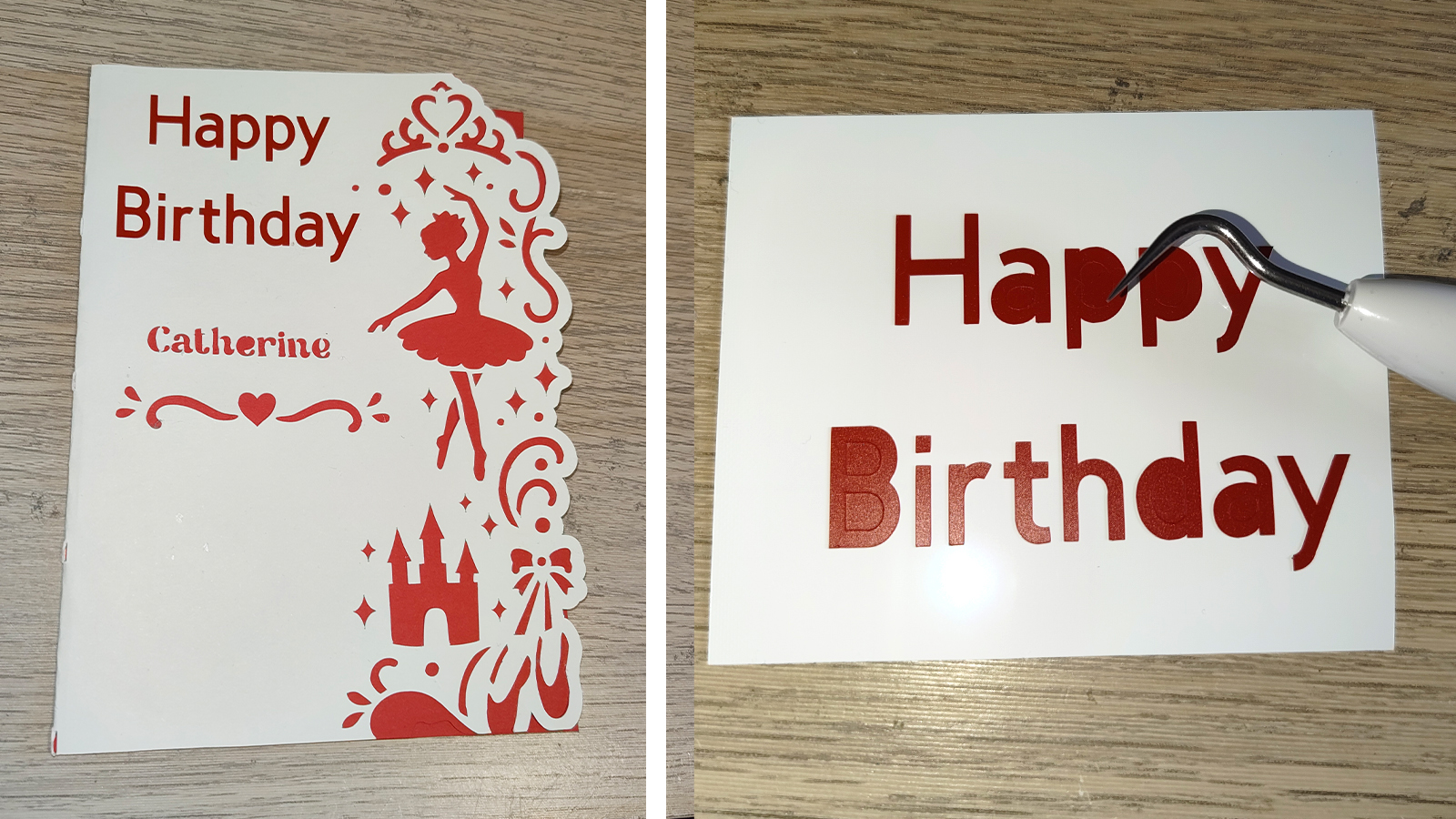
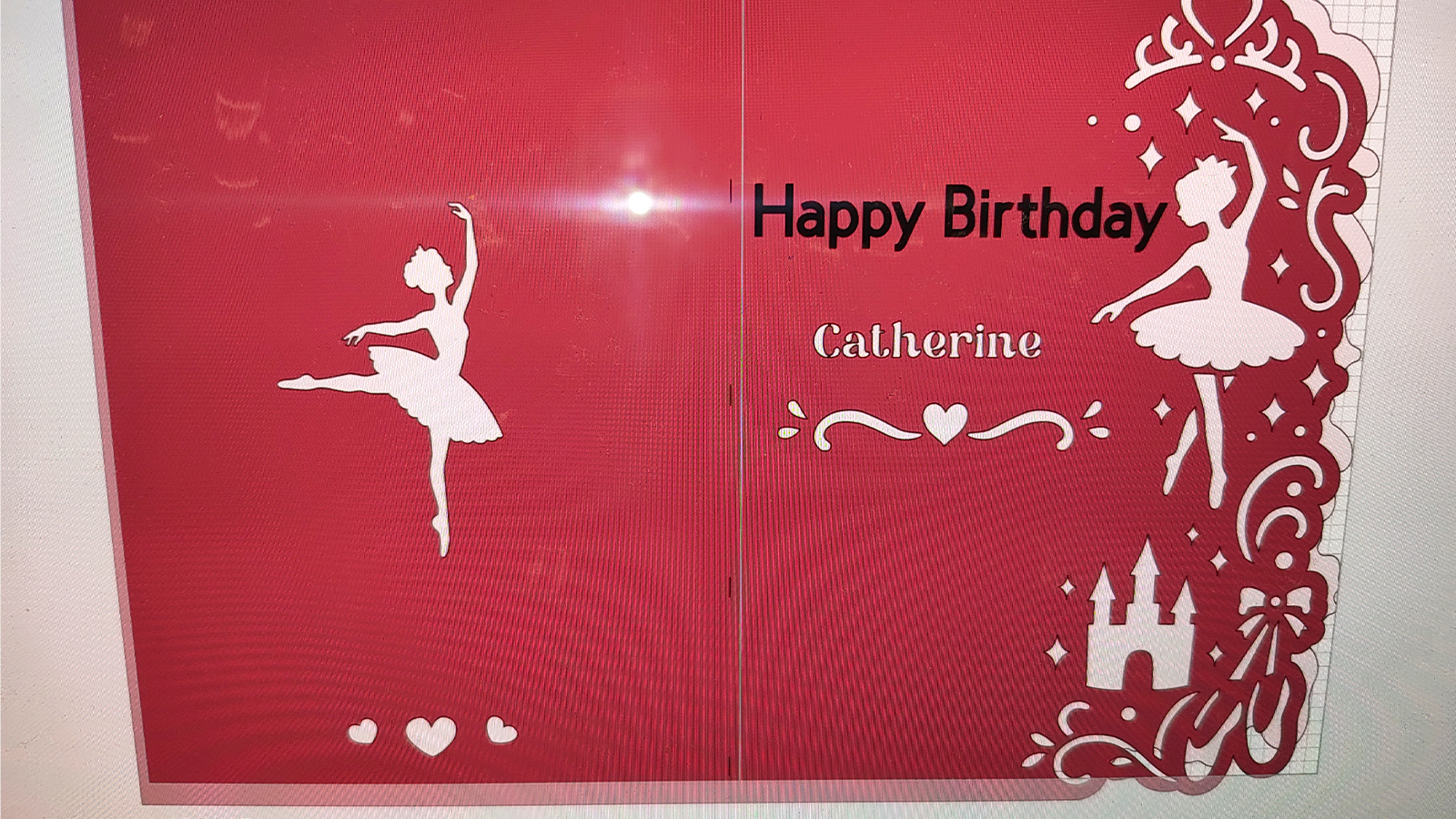
During testing, the Explore 5 demonstrated high levels of precision, particularly with small-scale typography. In a test project involving a personalized greeting card, the machine handled intricate serif fonts on Smart Permanent Vinyl without lifting the edges of the letters or tearing the material. The alignment remained consistent throughout multi-stage projects involving both drawing with the fine-point pen and cutting with the blade.
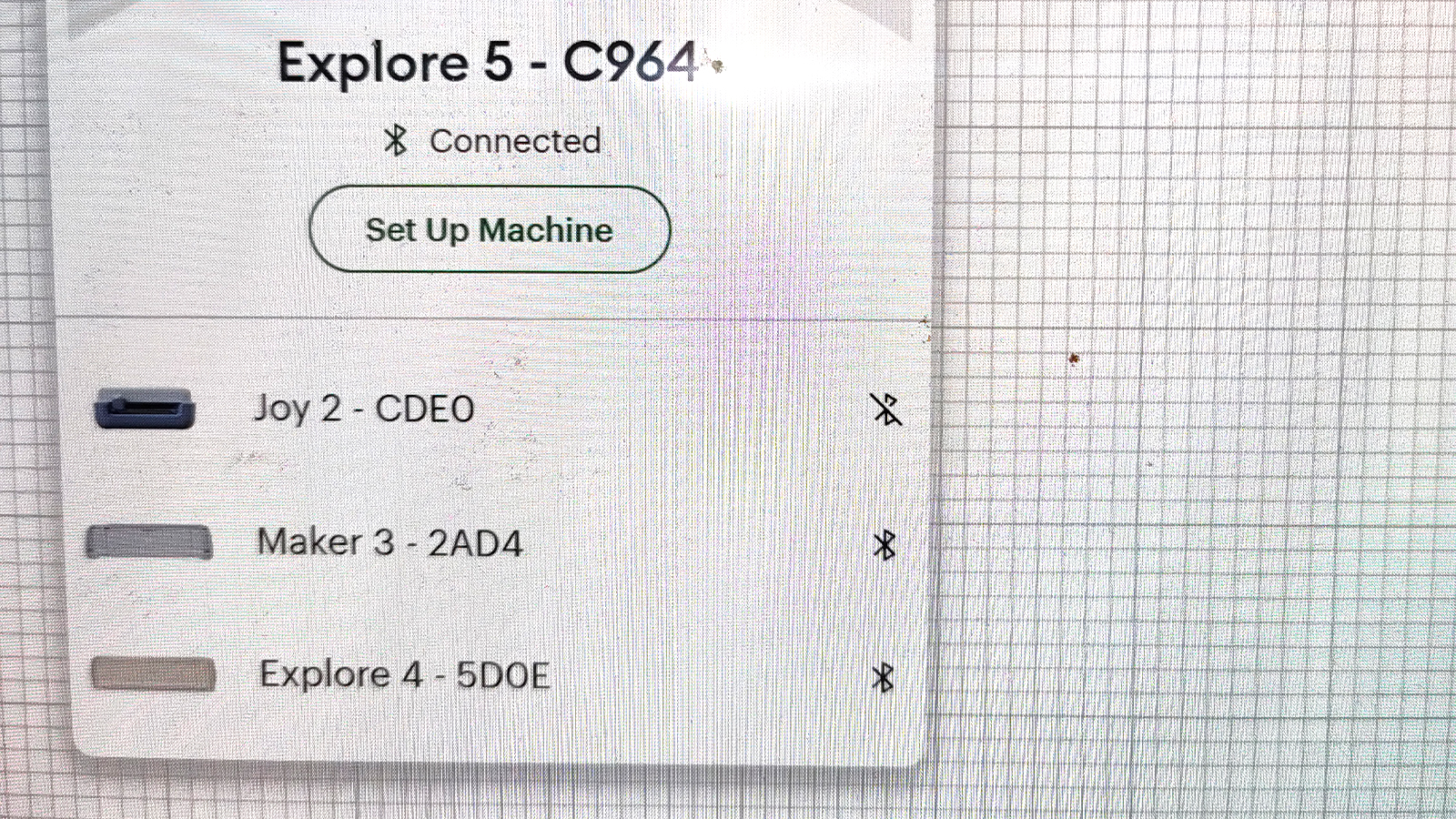
The workflow has been further automated to reduce "user friction." Once a project is sent from the software to the machine, the Explore 5 guides the user through the process via LED prompts and on-screen instructions. The machine’s sensors can detect whether the correct tool is loaded and whether there is enough material to complete the cut, a feature that prevents the waste of expensive vinyl or cardstock.
The Software Hurdle: Cricut Design Space
While the hardware of the Explore 5 is widely praised for its build quality and reliability, the software remains the most polarizing aspect of the Cricut ecosystem. Cricut Design Space is a cloud-based application required to operate the machine. While it is approachable for beginners, offering thousands of pre-made templates and an intuitive "Make It" button, it lacks the depth required by professional graphic designers.
Experienced users often find the editing tools within Design Space to be basic compared to industry standards like Adobe Illustrator or Affinity Designer. Furthermore, the reliance on an internet connection for many features can be a bottleneck for users in areas with unstable connectivity. Cricut has addressed some of these concerns by introducing an "Offline Mode" and integrating AI-assisted design features to help users generate graphics, but the software still feels like a "walled garden" compared to the open-source or highly flexible software used by competitors like Silhouette.
Market Positioning and Economic Impact
The launch of the Explore 5 comes at a time when the "creator economy" is seeing sustained growth. According to market research, the global craft and hobby market is expected to continue its upward trajectory, driven by the rise of personalized e-commerce platforms like Etsy and Shopify.
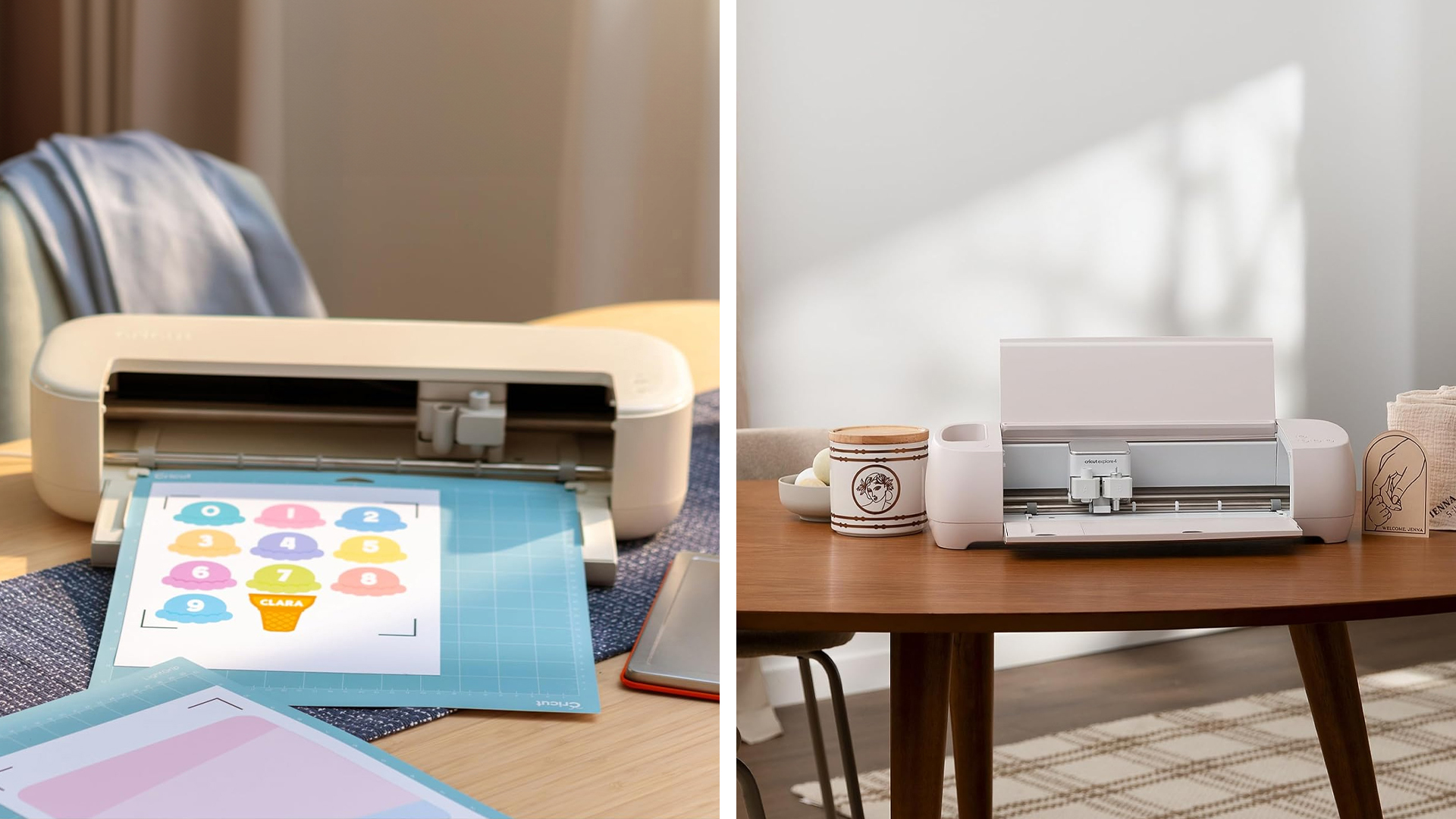
The Explore 5 is positioned as the "utility player" in this market. It is more capable than the portable Cricut Joy or Joy Xtra, which are limited by their narrow cutting widths, yet it is more affordable than the Cricut Maker 4. The Maker series remains the choice for those needing to cut heavy materials like balsa wood, leather, or unbacked fabric using a rotary blade. However, for the vast majority of hobbyists who focus on paper, vinyl, and heat-transfer projects, the Explore 5 offers a more logical price-to-performance ratio.
Implications for the Crafting Industry
The refinement of the Explore 5 suggests that the home-crafting hardware market is reaching a plateau of "peak performance." When cutting speeds and precision reach a certain threshold, manufacturers must find new ways to provide value. For Cricut, that value is increasingly found in the "ecosystem"—the seamless integration of hardware, materials, and a library of digital assets.
The smaller footprint of the Explore 5 also signals a shift in how these machines are perceived. No longer relegated to dedicated basement workshops, these devices are being designed to sit alongside laptops and printers in modern home offices. This "lifestyle integration" is key to expanding the user base beyond traditional crafters into the realms of teachers, event planners, and small-scale entrepreneurs.
Final Assessment: Who Should Invest?
For consumers currently using an Explore Air 2 or an older model, the Explore 5 offers a transformative upgrade in terms of speed, noise, and the ability to use matless Smart Materials. The reduction in physical size alone may be a deciding factor for those working in cramped environments.
However, for current owners of the Explore 4, the decision is less clear-cut. The improvements in the Explore 5 are iterative rather than revolutionary. While the machine is faster and quieter, the core cutting capabilities remain largely the same. The value proposition for these users lies primarily in the bundled accessories and the updated aesthetic.
Ultimately, the Cricut Explore 5 solidifies Cricut’s dominance in the mid-range digital cutting market. It is a machine that prioritizes the "joy of use," removing the technical and acoustic barriers that once made digital crafting a daunting task. By focusing on refinement, Cricut has produced a tool that is not only a powerful cutter but a highly efficient assistant for the modern creator.