Connecting Microsoft Power BI to Amazon SageMaker Unified Studio Using IAM-Based Domains

In the evolving landscape of enterprise business intelligence, the integration of cloud-native data science environments with visualization platforms has become a critical operational requirement. Following the successful integration of IAM Identity Center (IDC)-based domains discussed in the first installment of this series, organizations are now turning their attention to the more granular control offered by AWS Identity and Access Management (IAM)-based domains. This technical evolution marks a significant milestone for data analysts who require direct, secure, and governed access to Amazon SageMaker Unified Studio projects via Microsoft Power BI, effectively eliminating the need for cumbersome third-party ODBC-JDBC bridge software that previously hindered seamless data workflows.
The Technical Evolution of Data Connectivity
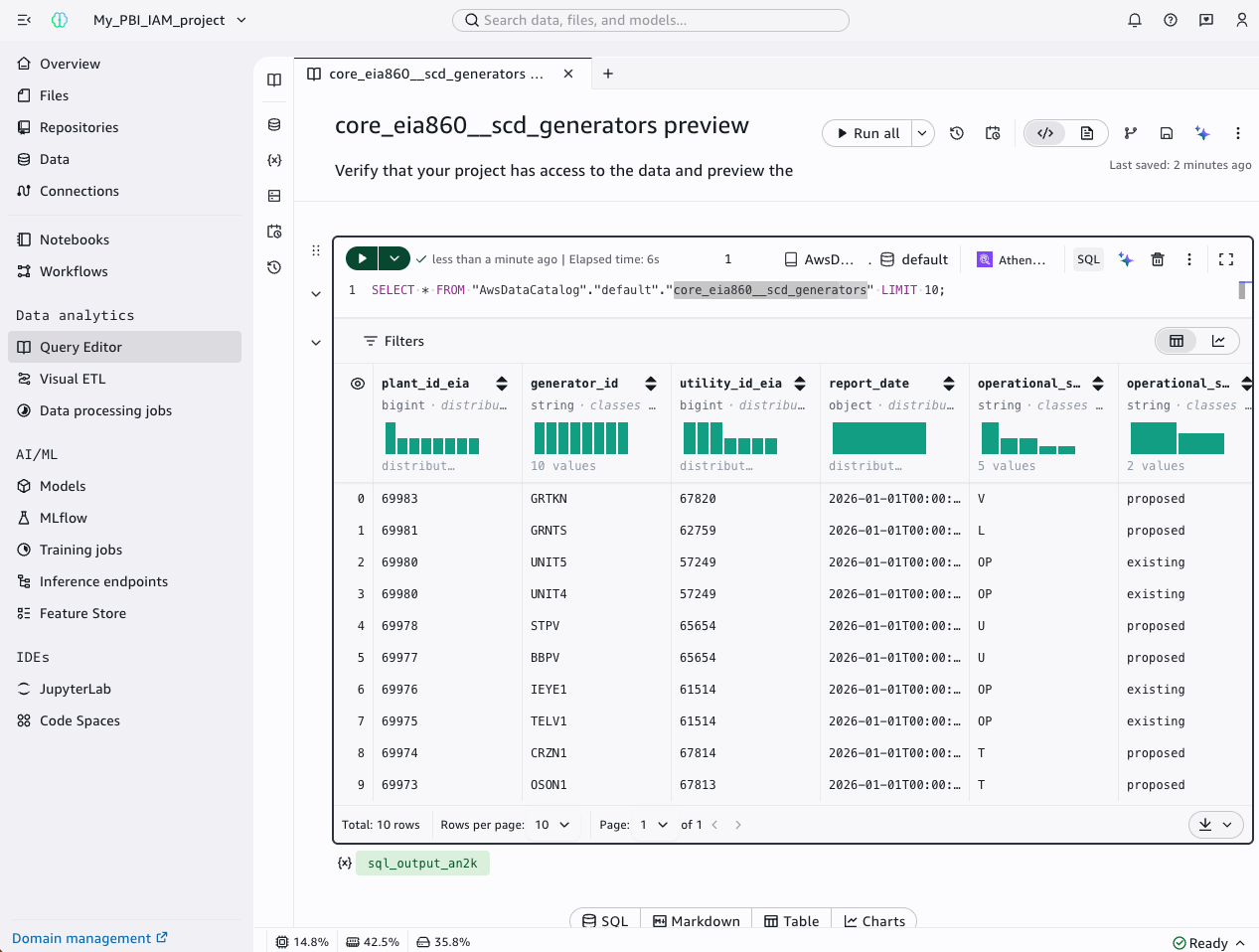
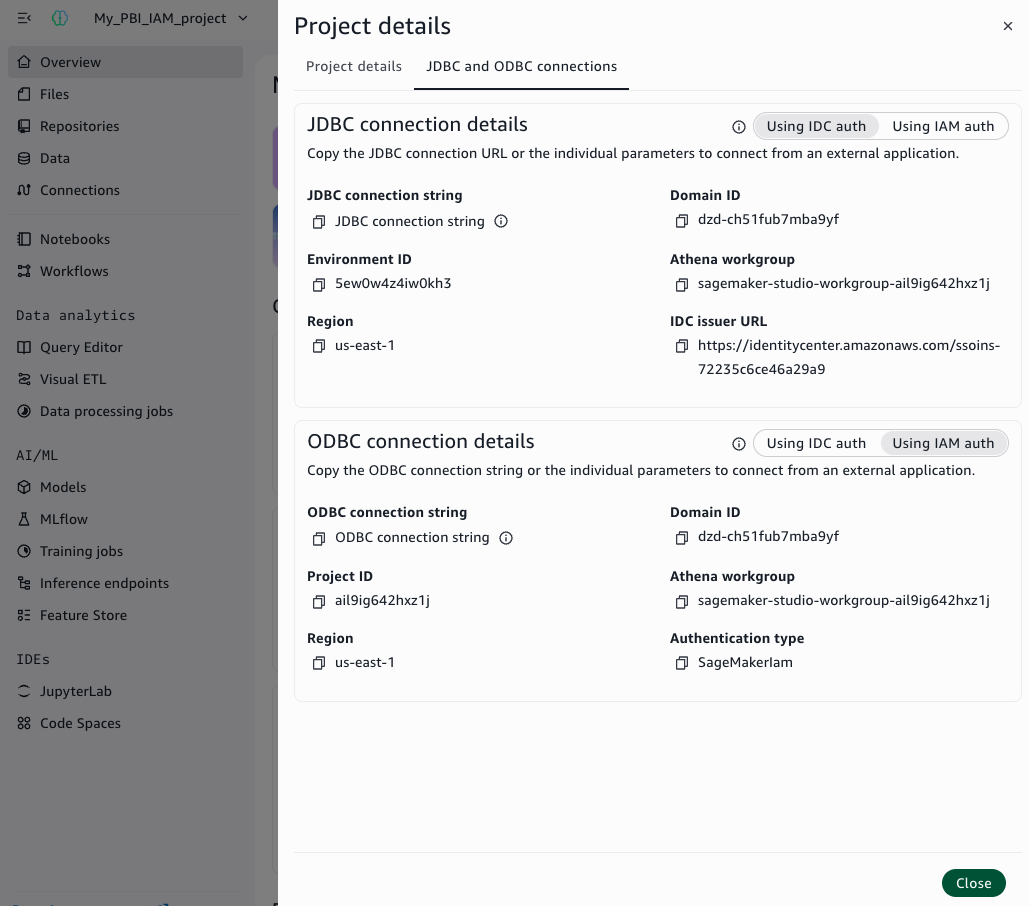
For years, the bridge between cloud-hosted data and desktop-based reporting tools like Power BI was often characterized by technical friction. Analysts were frequently forced to rely on intermediary drivers or complex bridge architectures to pull governed data into their visualizations. The release of the Amazon Athena ODBC driver (version 2.2.0 and later) has fundamentally altered this paradigm. By supporting native authentication for Amazon SageMaker Unified Studio, the driver allows for a streamlined connection string approach, significantly reducing the administrative overhead associated with maintaining data pipelines.
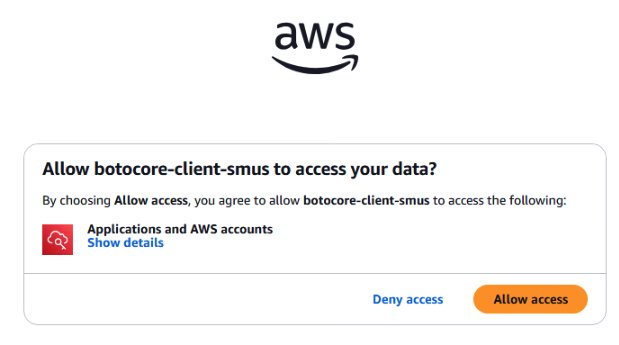
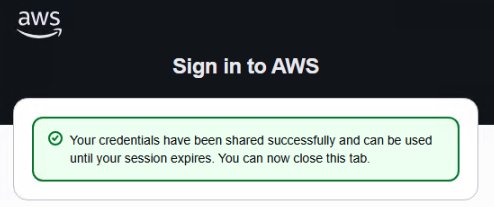
In an IAM-based domain architecture, the authentication flow relies on the SageMakerIam mode. This method leverages the AWS default credential provider chain, ensuring that the ODBC driver retrieves the necessary security tokens without requiring hardcoded credentials. This is particularly advantageous for security-conscious organizations, as it aligns with the principle of least privilege while maintaining high availability for reporting services. Whether an analyst is working from an on-premises workstation or an Amazon Elastic Compute Cloud (EC2) instance within the AWS cloud, the authentication mechanism remains consistent, providing a predictable and stable environment for mission-critical reporting.
Strategic Impact and Organizational Adoption
The drive toward consolidating disparate data sources into a unified, governed repository is a priority for major research and educational institutions. A prime example of this trend is the University of California, Irvine (UC Irvine), which has successfully moved to centralize its student data. By creating a single source of truth, the university enables stakeholders at the strategic, tactical, and operational levels to make data-informed decisions.
Bernadette Theologidy, Manager of Student Analytics at UC Irvine, highlighted the shift in operational efficiency: "Our users rely on Power BI for data visualization and reporting, but connecting to governed data in AWS previously required workarounds. The ODBC connection feature gives a direct path from Power BI into our SageMaker Unified Studio projects—no bridge software, no extra licensing, just a connection string and we’re ready to go."
This sentiment is echoed across the industry, where the reduction of "technical debt"—the implied cost of additional software licensing and maintenance—is a top priority for IT departments. By removing the need for third-party middleware, organizations not only lower their total cost of ownership but also improve the reliability of their data reporting chains.
Administrator Configuration and Security Protocols
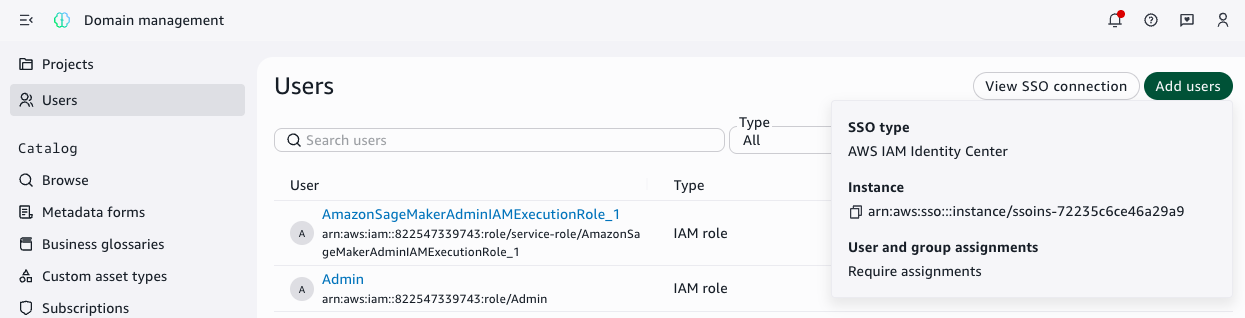
The transition to an IAM-based domain necessitates a specific administrative setup within AWS IAM Identity Center. The objective is to provide the ODBC driver with the capability to perform metadata lookups and credential retrieval without exposing raw data access to unauthorized users. By creating a custom permission set—often designated as "SageMakerDataAnalyst"—administrators can define an inline policy that limits the driver’s scope to essential actions such as datazone:GetConnection, datazone:ListConnections, and sts:GetCallerIdentity.
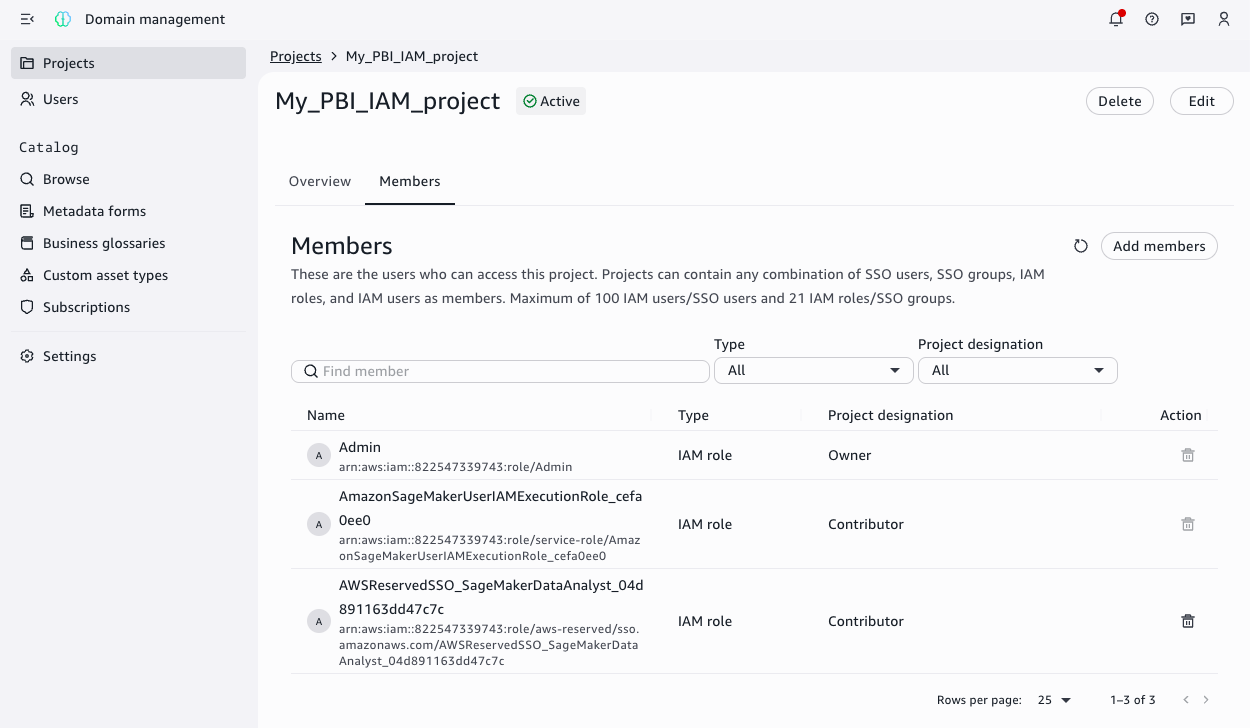
Importantly, these permissions are read-only. They do not grant broad access to the underlying data stored in Amazon S3 or processed via Athena. True data access remains strictly governed by the Amazon SageMaker Unified Studio project membership. This two-tier security model—where IAM permissions handle connectivity and project membership handles data access—provides a robust framework for large-scale data governance. When a user authenticates, they are only granted access to the specific datasets and projects for which they have been explicitly authorized, ensuring that sensitive information remains protected.
Implementation Methodologies: DSN vs. DSN-less
Organizations typically choose between two primary implementation methods when connecting Power BI to SageMaker Unified Studio: the DSN-based connection and the DSN-less connection.
The DSN-based approach involves configuring a Data Source Name (DSN) via the Amazon Athena ODBC driver on the local machine or the gateway server. This method is generally preferred for its versatility, as it supports both "Import" mode (where data is pulled into the Power BI file) and "DirectQuery" mode (where Power BI maintains a live connection to the data source). For analysts who need to perform complex data transformations and cache large datasets locally, the DSN method provides the stability required for enterprise-grade reporting.
Conversely, the DSN-less connection offers a more streamlined deployment path. By using a standardized connection string directly within the Power BI ODBC connector, administrators can avoid the manual process of creating DSNs on every individual machine. This is particularly useful in large organizations where deploying configuration changes across hundreds of workstations is logistically challenging. While this method is generally restricted to Import mode, its ease of use makes it an attractive option for teams that prioritize speed and agility in their reporting cycles.
The Role of the On-Premises Data Gateway
For reports published to the Power BI Service, the connection must remain active even when the desktop client is offline. This is where the on-premises data gateway, typically hosted on an EC2 instance, becomes essential. The gateway acts as a secure tunnel, translating the authentication requests from the Power BI Service back to the AWS infrastructure.
By attaching an IAM role to the EC2 instance hosting the gateway, administrators can automate the authentication process. The gateway uses the role’s temporary credentials to communicate with SageMaker Unified Studio, ensuring that published dashboards stay refreshed without human intervention. This automated flow is the final piece of the puzzle, transforming a manual, one-off report into a production-ready dashboard that updates automatically as new data enters the ecosystem.

Broader Implications and Future Outlook
The ability to connect Power BI directly to SageMaker Unified Studio represents a broader trend toward the democratization of data. As cloud platforms continue to mature, the barriers between advanced machine learning environments and everyday business intelligence tools are dissolving. This convergence allows for more rapid iteration, where data scientists can build models in SageMaker, and business analysts can immediately visualize the results in Power BI, without needing to export, convert, or move files between systems.
Looking ahead, organizations are increasingly looking to automate these deployments further. Using infrastructure-as-code (IaC) tools and custom blueprints, enterprises can standardize the provisioning of data sources. By creating templates that automatically add the necessary IAM roles to SageMaker projects, IT teams can enable a self-service model, allowing departments to spin up their own reporting environments within minutes, rather than days.
In conclusion, the shift toward IAM-based domains in Amazon SageMaker Unified Studio provides a cleaner, more secure, and more efficient path for data connectivity. For organizations invested in the AWS and Microsoft ecosystems, this integration eliminates legacy bottlenecks and sets the stage for a more unified data strategy. As companies continue to leverage the power of cloud-native analytics, the ability to maintain rigorous data governance while providing seamless access to tools like Power BI will remain a key competitive advantage. With the technical foundation now well-established, the focus will likely shift toward scaling these connections and maximizing the value extracted from governed, cloud-based data assets.