Squash and Stretch Principles in Modern Web Development and User Interface Design

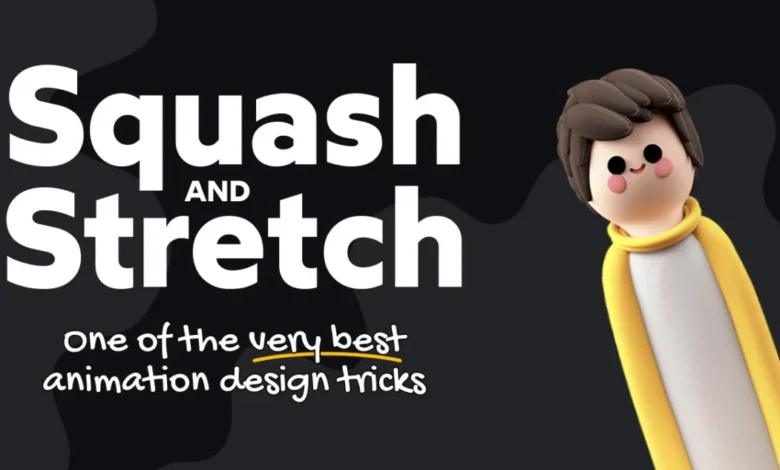
The intersection of classical animation techniques and contemporary web development has become an increasingly vital area of study for front-end engineers seeking to improve user engagement and interface fluidity. Central to this evolution is the application of Disney’s 12 Basic Principles of Animation—a foundational framework established in 1981 by Disney animators Ollie Johnston and Frank Thomas. Originally designed to bring life to hand-drawn characters in features like Aladdin and Beauty and the Beast, these principles have transitioned from the silver screen to the browser, where they now inform the micro-interactions that define modern digital user experiences. Among these, the principle of "squash and stretch" stands out as a primary mechanism for conveying weight, elasticity, and intent in motion graphics.
The Historical Foundation of Squash and Stretch
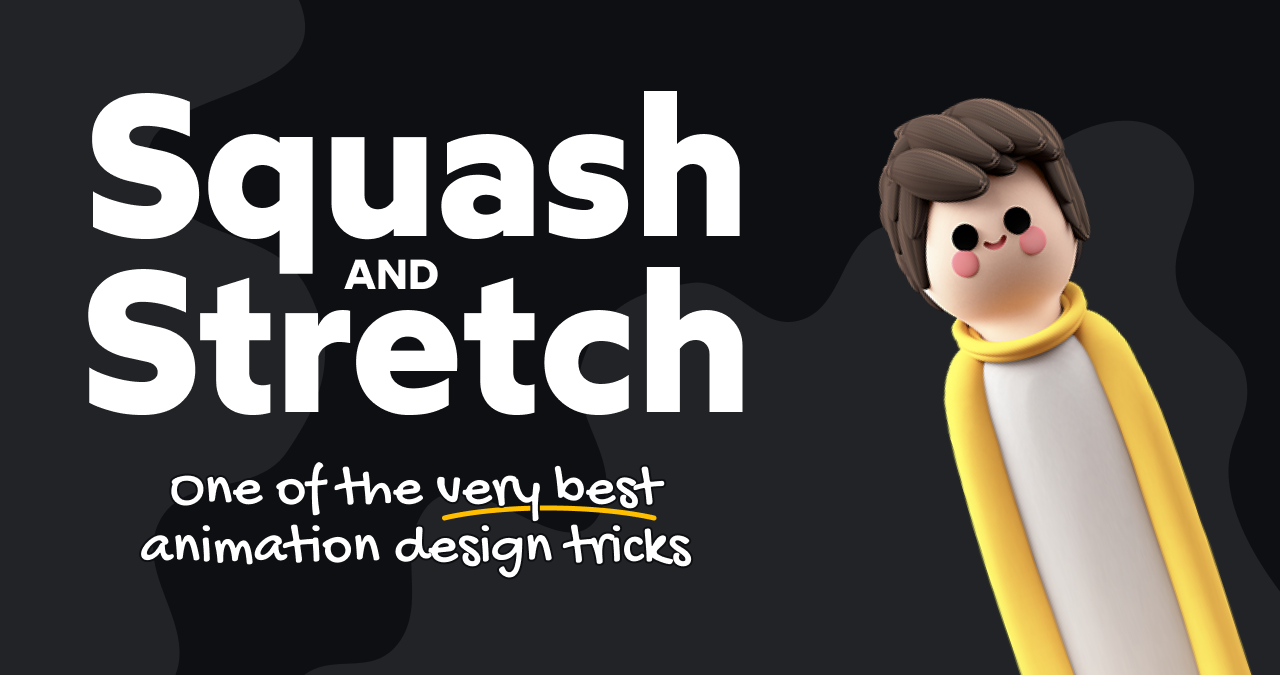
When Johnston and Thomas codified their principles, they aimed to solve the problem of visual rigidity. In a static medium, movement can often appear robotic or unnatural. The "squash and stretch" principle dictates that as an object moves, it should deform in proportion to its velocity and impact. For instance, when a bouncing ball hits a surface, it squashes—becoming wider and shorter—and as it rebounds, it stretches—becoming thinner and longer. This creates the illusion of a physical object with mass and volume, rather than a mere geometric shape shifting coordinates on a screen.
For the modern web developer, these principles have been adapted to enhance UI elements such as buttons, navigation icons, and loading indicators. By applying these concepts to Scalable Vector Graphics (SVG), developers can create interfaces that feel responsive and tactile. As of April 2026, browser support for advanced SVG path animations remains a critical consideration for engineers, with approximately 79% of global browser traffic supporting direct path transitions via CSS.
Technical Implementation and Browser Compatibility
Implementing these animations requires a strategic approach to browser compatibility and performance. The simplest method involves utilizing the CSS path() function, which allows developers to manipulate the d attribute of an SVG. By defining an initial state and a hover-triggered state, developers can create smooth transitions that suggest elasticity.
However, this approach faces significant hurdles in specific environments, most notably Safari, where support for native path transitions has historically lagged. To mitigate these discrepancies, developers often turn to JavaScript-based animation libraries. Libraries such as Motion (formerly Framer Motion) have gained widespread adoption for their ability to provide consistent performance across browsers. Motion operates by utilizing the Web Animations API, which runs on a separate thread from the main UI thread. This architectural choice is crucial for maintaining a high frame rate, as it prevents complex animations from causing "jank" or input lag during periods of heavy processing.
Performance Metrics and User Experience Data
Research into user interaction has consistently shown that subtle, well-executed micro-animations improve perceived performance and user satisfaction. When an icon, such as a directional arrow, "stretches" upon interaction, it provides immediate visual feedback that confirms the user’s input. This feedback loop is essential for accessibility and usability.
Data from front-end performance benchmarks indicate that animations using hardware-accelerated properties (such as transform and opacity) generally perform better than those requiring constant DOM recalculations. By utilizing spring physics—which mimic real-world kinetic energy rather than standard Bézier curves—developers can achieve a "bouncier," more organic feel. Spring physics are characterized by three parameters: stiffness, damping, and mass. Adjusting these values allows for a nuanced level of control over the animation, ensuring the movement feels deliberate rather than erratic.
Accessibility and the Prefers-Reduced-Motion Standard
A critical component of modern web animation is the integration of the prefers-reduced-motion media query. This accessibility standard, supported by all major browsers, allows users to specify that they prefer to minimize non-essential motion. For professional developers, honoring this preference is a requirement for maintaining an inclusive web.
When implementing squash and stretch effects, the standard procedure is to wrap the animation logic within a conditional check. If the user has explicitly requested reduced motion, the animation is bypassed or simplified into a static transition. This ensures that the aesthetic benefits of the animation do not come at the expense of users who experience vestibular or sensory issues when confronted with excessive motion on a screen.
Industry Implications and Future Trends
The shift toward more "whimsical" and fluid UI design reflects a broader industry trend of moving away from the static, document-based web of the early 2010s toward an interactive, application-like experience. As digital products become more complex, the role of the developer has expanded to include elements of motion design.
This evolution has led to a growing demand for educational resources that bridge the gap between pure coding and artistic execution. Professional training modules, such as "Whimsical Animations," have emerged to address the deficit in formal motion training within the developer community. These courses focus on technical implementation—teaching how to use CSS, SVG, and 2D canvas to create high-fidelity interactions—while also providing insights into the design philosophy that makes such animations effective.
The Role of SVG in Modern Design
The use of SVG remains the gold standard for these effects due to the format’s inherent scalability and lightweight code footprint. By stripping unnecessary metadata from SVG files, developers can optimize them for fast loading times without sacrificing the detail required for complex path animations. The ability to manipulate the underlying d attribute of a path is a powerful tool, allowing for the transformation of simple icons into dynamic, interactive elements.
As demonstrated in recent implementations, even small, non-essential interactions—such as an arrow that snaps back after a hover trigger—serve a functional purpose in modern web design. They signify a "living" interface that reacts to the user, creating a sense of connectivity between the user and the software.
Summary of Best Practices
For organizations looking to implement these principles, the following guidelines are recommended:
- Prioritize Performance: Always use hardware-accelerated animations or libraries that utilize the Web Animations API to ensure smooth rendering.
- Respect Accessibility: Always implement
prefers-reduced-motionchecks to prevent negative impacts on users with sensory sensitivities. - Use Spring Physics: When possible, replace standard easing functions with spring-based models to achieve a more natural, rubbery aesthetic.
- Maintain Semantic Integrity: Ensure that animated elements remain accessible to screen readers and that their functions are clearly defined through ARIA labels.
- Optimize Assets: Clean up SVG code by removing extraneous XML namespaces and attributes to minimize file sizes.
The integration of squash and stretch into the web developer’s toolkit marks a maturation of the craft. As the line between software and entertainment continues to blur, the ability to apply classical principles of motion to the digital environment will likely become a distinguishing feature of high-quality, user-centric web development. While the technical implementation may vary, the objective remains constant: to create digital experiences that are as intuitive as they are engaging.