The Comprehensive Guide to Mastering SVG Path Elements for Modern Web Development

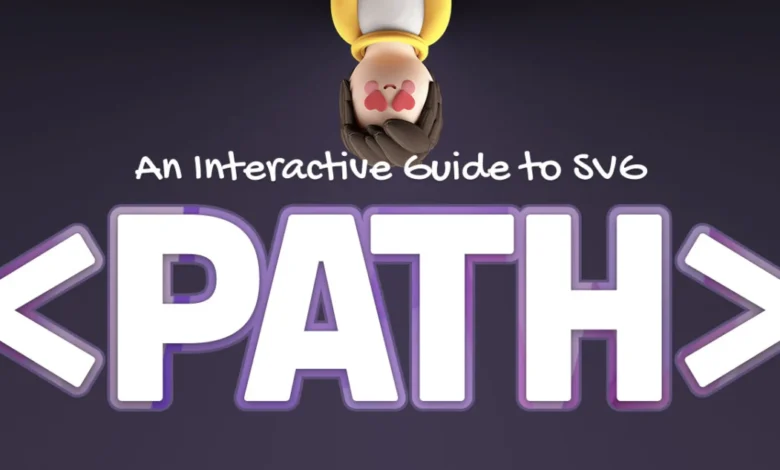
The Scalable Vector Graphics (SVG) path element remains one of the most powerful yet misunderstood tools in the web developer’s arsenal. While modern CSS and framework-based libraries offer robust styling capabilities, the path element serves as the backbone for creating complex, resolution-independent vector shapes that are essential for high-performance, responsive web interfaces. Unlike simpler SVG primitives such as rect or circle, the path element allows for intricate, custom-drawn geometry that can scale across any device without pixelation.
Historically, the implementation of SVG was standardized by the World Wide Web Consortium (W3C) in the late 1990s. The path element was designed to mimic the functionality of "pen tools" found in industry-standard vector illustration software like Adobe Illustrator or Inkscape. By utilizing a series of alphanumeric commands, developers can define coordinate-based instructions that tell the browser’s rendering engine precisely how to move, draw, and curve lines across a specified canvas.
The Structural Anatomy of Path Data
At the heart of the element lies the d attribute—short for "data"—which acts as a sequential instruction set for the browser. This syntax follows a "pen-and-paper" model where each command functions as a specific movement or drawing operation.
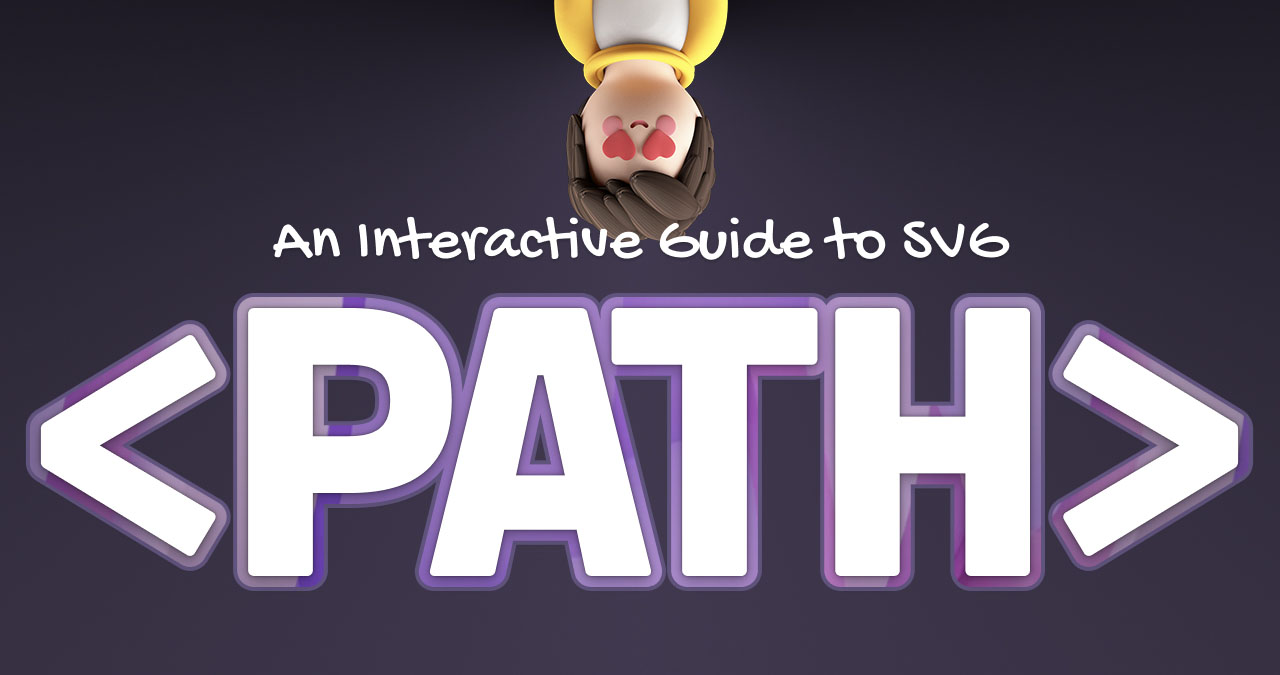
The command system is divided into two categories: absolute and relative. Absolute commands, denoted by uppercase letters (e.g., M, L, C), reference the coordinate system defined by the SVG’s viewBox. Conversely, relative commands, denoted by lowercase letters (e.g., m, l, c), define coordinates based on the current position of the imaginary pen. This distinction is critical for developers looking to create modular components, as relative positioning allows paths to be translated or manipulated without recalculating every coordinate point in the sequence.
A Chronology of Geometric Commands
The evolution of these commands reflects the need for increasingly complex visual representations on the web. The foundational instructions include the Move (M) command, which lifts the pen to a new starting point without drawing, and the Line (L) command, which creates a straight connection between the current point and a target coordinate.
As web design moved toward more organic and fluid aesthetics, the inclusion of Bézier curves became essential. Quadratic Bézier curves (Q) utilize a single control point to influence the curvature of a line, providing a straightforward way to create parabolic shapes. For more complex geometries, Cubic Bézier curves (C) offer two control points, allowing developers to create "S-curves" and highly specific, asymmetrical paths that are fundamental to modern iconography and data visualization.
The most complex instruction is the Arc (A) command. Unlike geometric primitives that rely on center-point coordinates, the arc command requires a multi-parameter input: horizontal and vertical radii, rotation, a "large arc" flag, and a "sweep" flag. This mathematical approach to drawing a portion of an ellipse between two points is mathematically dense, often requiring a deep understanding of the underlying trigonometry to achieve specific visual results.
Technical Implications and Performance
From a performance standpoint, SVG paths are highly efficient. Because they are defined by mathematical vectors rather than raster pixels, they occupy significantly less storage space than comparable PNG or JPG files. This makes them ideal for high-traffic websites, mobile applications, and environments where bandwidth conservation is paramount.
Furthermore, the integration of the "Close Path" (Z) command ensures that geometric shapes are properly sealed, which is critical for successful SVG filling and masking. When a path is not properly closed, it can lead to rendering artifacts where colors "leak" or fail to fill the intended area, particularly when animations are applied.
Advanced Optimization and Smoothing
A common challenge in SVG development is the creation of "elbows" or sharp, unnatural kinks when chaining multiple curves together. To mitigate this, the W3C introduced smoothing commands, such as the (T) command for quadratic curves and the (S) command for cubic curves. These commands automatically calculate the necessary control point for the subsequent segment by mirroring the previous curve’s angle. This functionality is a major advancement for designers, as it eliminates the manual trial-and-error process previously required to ensure visual continuity.
The Role of Vector Graphics in Modern UI/UX
Industry experts point to the rise of "micro-interactions"—small, animated feedback elements—as the primary driver for the continued relevance of SVG path manipulation. By manipulating the stroke-dasharray and stroke-dashoffset properties of a path, developers can create the illusion of a shape "drawing itself" on the screen. This technique has become a hallmark of high-end web design, often used in progress bars, loading spinners, and interactive data infographics.
Recent industry data suggests that over 85% of top-tier websites utilize SVGs for iconography, and a growing percentage are moving toward complex path-based animations to increase user engagement. The ability to programmatically alter path data using JavaScript or CSS transitions has transformed the web from a static document repository into a dynamic, interactive canvas.
Analysis of Future Trends
As the web continues to move toward more immersive experiences, the demand for high-fidelity vector graphics is expected to rise. The shift toward "Glassmorphism" and complex, layered design systems requires a high level of precision that only vector paths can provide. While automated tools and design-to-code plugins exist, understanding the underlying path syntax remains a vital skill for developers. The ability to manually audit and optimize path data can often lead to significantly smaller file sizes and smoother animation performance, providing a competitive edge in search engine optimization (SEO) and user experience (UX) metrics.
Conclusion: The Standardization of Complexity
The path element is a testament to the longevity of the SVG standard. Despite the emergence of new technologies like WebGL and Canvas, the SVG path remains the most accessible, semantic, and performant way to handle vector data within the Document Object Model (DOM). By moving beyond the initial intimidation factor of the command syntax and mastering the nuances of Bézier curves and elliptical arcs, developers can unlock a new tier of creative potential.
The future of web development will likely see further integration between design tools and code, but the fundamental instructions of the path element—M, L, C, Q, and A—will remain the essential vocabulary for any developer looking to push the boundaries of digital illustration. As the ecosystem matures, the focus will likely shift from learning the basic syntax to optimizing for complex, multi-layered animations that maintain accessibility and performance across the ever-expanding landscape of web-enabled devices.