The Enduring Magic of Disney’s "Squash and Stretch" Principle in Modern Web Development

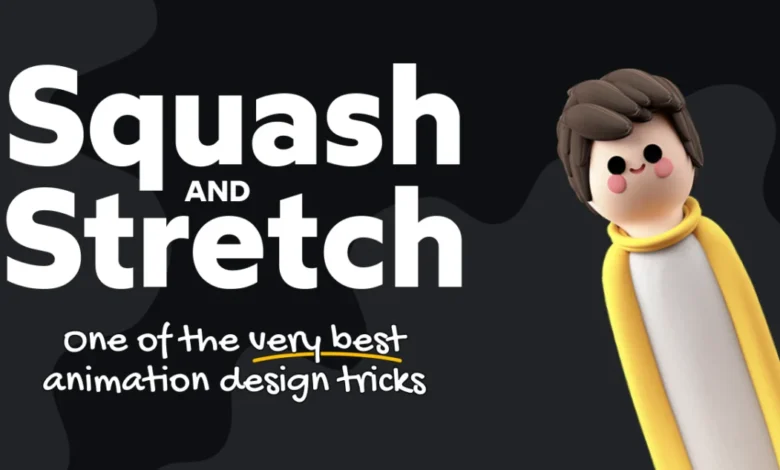
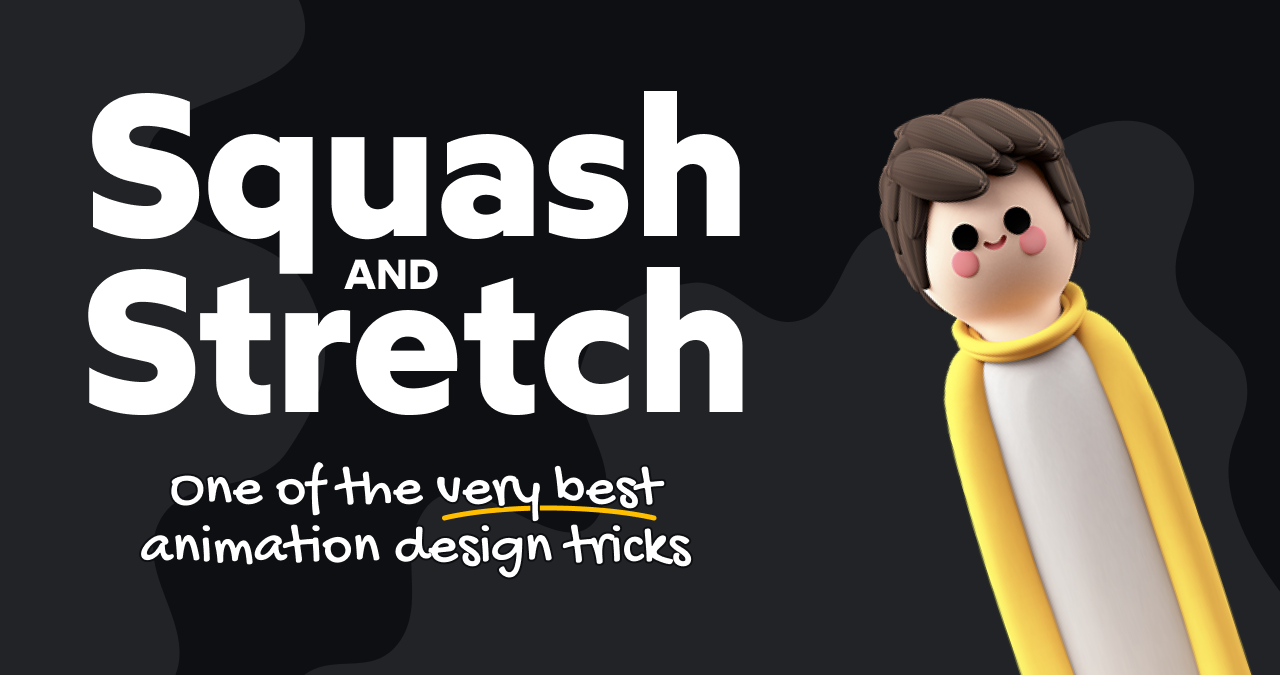
The foundational principles of animation, first codified by Walt Disney’s pioneering animators in 1981, continue to exert a profound influence on creative fields far beyond the silver screen. While seemingly rooted in the whimsical world of cartoon characters like Aladdin and Beauty and the Beast, these "12 Basic Principles of Animation" offer surprisingly relevant insights for contemporary web developers. This article delves into the enduring power of the very first principle, "squash and stretch," and explores its practical application in crafting engaging and dynamic user interfaces, particularly within the realm of SVG icons and interactive elements.
The Genesis of "Squash and Stretch"
The concept of "squash and stretch" was born from the desire to imbue animated characters and objects with a sense of weight, volume, and life. It’s a principle that dictates how an object should deform during movement to convey its mass and the forces acting upon it. A perfectly round ball, for instance, would flatten or "squash" upon impact with a surface, absorbing the kinetic energy. As it rebounds, it would elongate or "stretch" in the direction of its motion, counteracting gravity and inertia. This visual exaggeration is not about realism in a photographic sense, but about enhancing the perceived dynamism and expressiveness of the animation. The original intent was to make animated performances feel more believable and captivating, adding a layer of physical intuition to otherwise static drawings.
Bridging the Gap: From Cartoons to Code
While the direct application of animating cartoon characters isn’t the purview of most web developers, the underlying psychological and visual principles behind "squash and stretch" are remarkably adaptable. In the context of web development, these principles translate into creating micro-interactions that provide visual feedback, guide user attention, and enhance the overall user experience. The goal is to make digital elements feel more tangible and responsive, mimicking the natural world’s inherent physicality.
"Stretchy Arrows": A Case Study in Applied Animation
One of the most compelling examples of "squash and stretch" in web development is the implementation of "stretchy arrows." These are not merely arrows that increase in length, but rather icons that subtly deform to suggest elasticity and responsiveness. As demonstrated in interactive examples, when a user hovers over or focuses on such an arrow, it not only extends but also experiences a slight thinning at its tip, creating a visual illusion of being pulled and stretched. This nuanced deformation adds a level of polish and sophistication that elevates a simple icon into a delightful interactive element.
The perceived improvement in user experience when this subtle "squeeze" effect is applied is striking. It transforms a static visual cue into a dynamic indicator of interactivity. Side-by-side comparisons highlight the enhanced visual appeal and communicative power of arrows that employ this principle. The effect can be triggered through various user interactions, such as hovering, focusing with keyboard navigation (e.g., pressing Enter), or even tapping on touch devices. This adaptability ensures that the enhanced experience is accessible across a range of input methods.
Implementing "Stretchy Arrows": Technical Approaches
The creation of these animated SVG icons involves a combination of design and technical implementation. The process typically begins with selecting a suitable SVG icon. The Lucide icon set, a popular fork of the Feather Icons library, offers a vast collection of well-designed SVG icons that are well-suited for such enhancements. The arrow-right icon, for example, can be the foundation for this interactive effect.
An SVG icon is often composed of multiple path elements, each defining a specific part of the graphic. For the arrow-right icon, this typically includes a path for the horizontal shaft and another for the arrowhead. To achieve the "stretchy" effect, the drawing instructions (the d attribute) for these paths need to change dynamically. For instance, the shaft might transition from a 14-pixel width to a 17-pixel width, while the arrowhead’s coordinates are adjusted to simulate the stretching.
CSS Transitions: A Foundation with Limitations
The most straightforward approach to animating SVG path data involves CSS transitions. When a user interacts with the icon (e.g., hovers over a button containing the icon), the CSS d attribute of the path elements can be updated. CSS transitions then smoothly interpolate between the initial and final path data. However, a significant limitation of this method is browser support. As of April 2026, direct CSS transitions on the d attribute of SVG path elements are not universally supported, with Safari notably lacking this capability. This results in a browser support coverage of approximately 79%, which may be insufficient for projects requiring broader reach.
The path() Function in CSS
To facilitate CSS transitions for SVG paths, the path() function provides a powerful mechanism. This function allows developers to specify a new set of path drawing commands as a string literal within CSS. For example, a CSS rule might define a hover state that overrides the d attribute with new instructions for a stretched arrow. The prefers-reduced-motion media query is crucial here, ensuring that these animations are disabled for users who have indicated a preference for reduced motion, promoting accessibility and user comfort.
A common challenge when using the path() function is handling multi-line path data within CSS strings. Since CSS strings do not natively support multi-line syntax, developers must either concatenate all commands onto a single line or use backslashes () to escape newline characters. For readability, especially with complex SVG paths, breaking commands onto separate lines using escaped newlines is often preferred, mirroring the way paths are typically authored in SVG editors.
JavaScript Libraries: Enhancing Cross-Browser Compatibility
When universal browser support for SVG path transitions is paramount, JavaScript libraries offer a robust solution. These libraries abstract away the complexities of animation and ensure consistent rendering across different browsers. Motion, a popular animation library, is particularly well-suited for this task. It allows developers to animate the d attribute of SVG paths programmatically.
The animate() function from Motion can be used to define the start and end states of the SVG path data. This approach leverages the Web Animations API, which can provide performance benefits by allowing animations to run on a separate thread, ensuring smoother playback even under heavy application load. The use of JavaScript libraries addresses the Safari compatibility issue, making the "stretchy arrow" effect accessible to a wider audience.
Adding Polish: Spring Physics and Event-Driven Animation
Beyond basic transitions, further refinements can significantly enhance the perceived quality of these micro-interactions.
-
Spring Physics: Instead of traditional Bézier easing, employing spring physics can lend a more natural and organic feel to the animation. Modeled after real-world springs, this type of animation produces motion that feels elastic and responsive, perfectly complementing the "squash and stretch" effect. Libraries like Motion offer built-in support for spring animations, allowing developers to configure parameters like stiffness and damping to achieve the desired bounce and recoil. This approach makes elements feel more tactile and less like rigid digital constructs.
-
Event-Driven Animation: A more playful and unexpected approach involves triggering the animation based on the hover event itself, rather than maintaining a persistent hover state. Instead of the arrow remaining stretched for the duration of the hover, it can perform a quick, energetic "pop" or "snap" animation upon the initial hover and then return to its default state almost immediately. This creates a sense of delightful surprise and makes the interaction stand out from the more common state-based hover effects. This technique can be implemented using
setTimeoutin conjunction with animation libraries, triggering a secondary animation sequence after a brief delay.
The "Whimsical Animations" Course: A Deeper Dive into Web Animation
The principles and techniques discussed in this article are part of a broader exploration of web animation. For developers looking to master these skills, resources like Josh W. Comeau’s "Whimsical Animations" course offer comprehensive guidance. This course, scheduled for release on April 27th, 2026, aims to demystify the creation of sophisticated animations and interactions using a variety of web technologies, including HTML, CSS, JavaScript, SVG, and 2D Canvas.
The course emphasizes that animation is often an overlooked skill in the standard front-end developer toolkit. By moving beyond basic CSS transitions, developers can unlock a vast potential for creating engaging and memorable user experiences. "Whimsical Animations" not only focuses on implementation but also delves into animation design principles, equipping developers to create impactful effects even without dedicated motion designers. This article itself is drawn from the "Animation Design" bonus module of the course, highlighting the importance of understanding the "why" behind animation choices, not just the "how."
Bonus: The Bouncing Ball Playground
To further illustrate the "squash and stretch" principle, a detailed code playground is provided for a bouncing ball animation. This example utilizes CSS keyframe animations to simulate both the vertical bounce and the horizontal deformation.
-
Bounce Animation (
@keyframes bounce): This animation handles the vertical movement of the ball, defining its trajectory from a resting position to a peak height and back down. Thetransition-timing-function(or--curvein this example) is crucial for mimicking the natural arc of a bounce, often employing a cubic Bézier function that slows down at the peak and accelerates towards the ground. -
Squash Animation (
@keyframes squash): This animation controls the deformation of the ball. It defines how the ball’sscaleproperty changes. Upon impact, the ball is scaled non-uniformly, becoming wider and shorter (squashed). As it rebounds, it stretches vertically and narrows horizontally. Custom CSS properties (--squash-ratioand--stretch-ratio) are used to control the intensity of these deformations, allowing for easy adjustment.
The ball element itself is styled to have a transform-origin set to center bottom. This ensures that the squash and stretch effects are applied relative to the point of contact with the imaginary ground, making the deformation appear more natural. The combination of these animations, applied with specific durations and timing, creates a convincing illusion of a weighty, elastic object in motion. While this specific application might be less common in typical web interfaces, it serves as an excellent educational tool for understanding the core mechanics of the "squash and stretch" principle.
Conclusion
The enduring relevance of Disney’s "12 Basic Principles of Animation" in the digital age is a testament to their fundamental understanding of visual storytelling and user perception. The "squash and stretch" principle, in particular, offers a powerful framework for web developers to imbue their interfaces with life, responsiveness, and delight. By thoughtfully applying these principles through CSS, JavaScript, and SVG, developers can transform static elements into dynamic and engaging components that significantly enhance the user experience. As the field of web development continues to evolve, embracing these time-tested animation techniques will be key to creating truly captivating and intuitive digital products.
Related posts: